Feature #43280
closed

Improve visual distinction of link presence in SVG icons
Description
Right now, SVG icons are shown in the same blue color as link text, so it is hard to recognize whether an icon is actually a link.
This patch changes the colors: non-link icons will be dark gray (oc-gray-8), slightly lighter than the body text, while link icons will remain blue (oc-blue-9). This makes it easier to see which icons can be clicked.
Before: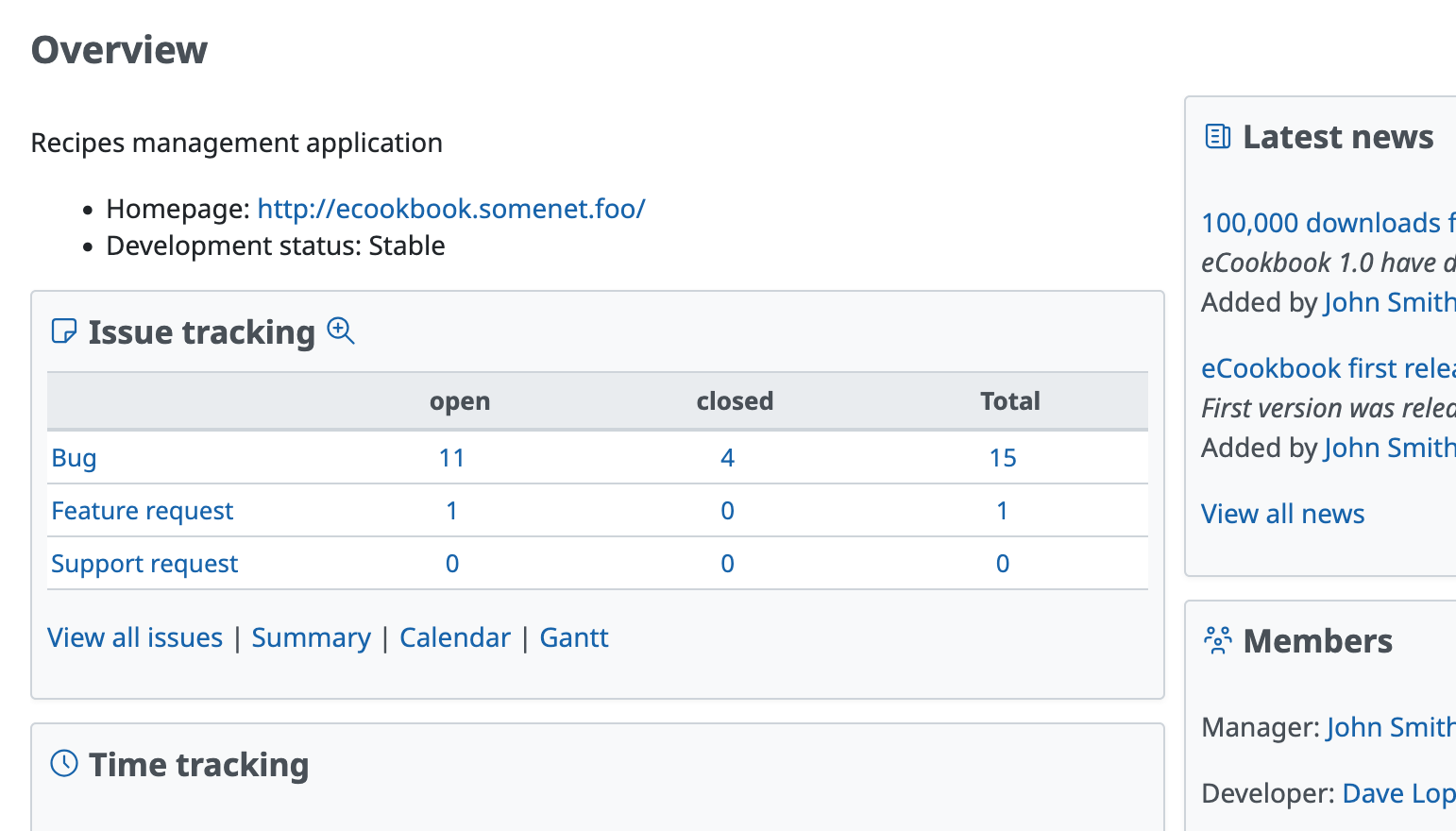
After: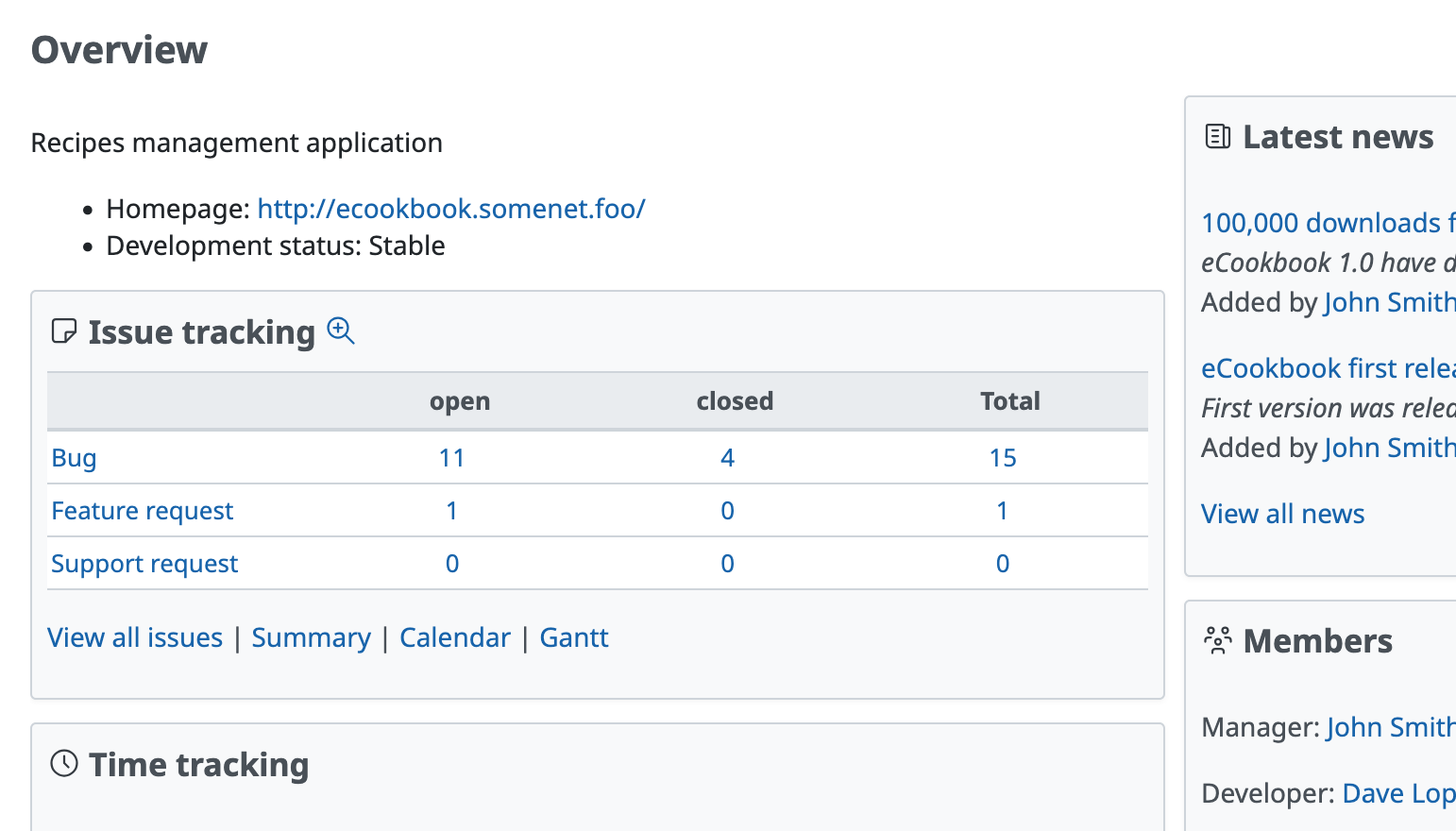
Files
Related issues
 Updated by Mizuki ISHIKAWA 11 months ago
+1
It's inconvenient when you can't tell whether it's a link until you hover over it. I think this is a very good change.
 Updated by
 Updated by Go MAEDA 11 months ago
- File ajust-icon-color-without-link.patch ajust-icon-color-without-link.patch added
- File deleted (
ajust-icon-color-without-link.patch)
Updated the patch.
The value of the fill property for svg.icon-svg-filled selector should be var(--oc-gray-8) instead of var(--oc-gray-9).
Updated by Mizuki ISHIKAWA 11 months ago
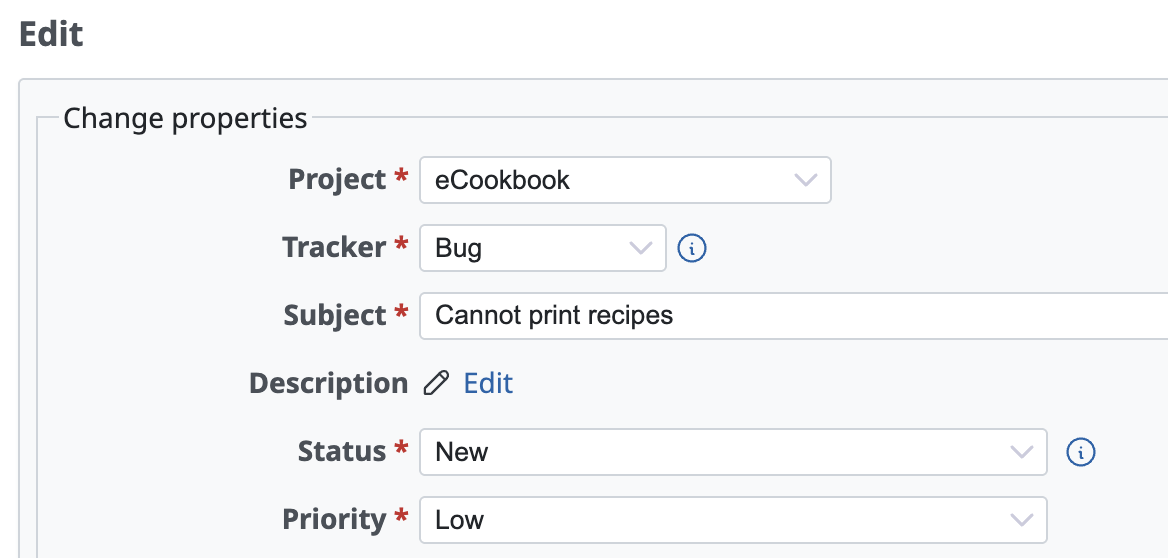
There were places where the Edit link icon appeared gray.
This happens because the .icon class is applied to a span tag instead of an a tag, so I think the following diff will fix it.
diff --git a/app/views/issues/_form.html.erb b/app/views/issues/_form.html.erb
index 4551adda7..4ef58d657 100644
--- a/app/views/issues/_form.html.erb
+++ b/app/views/issues/_form.html.erb
@@ -40,7 +40,7 @@
                    }.merge(list_autofill_data_attributes),
                    :no_label => true %>
   <% end %>
-  <%= link_to_function content_tag(:span, sprite_icon('edit', l(:button_edit)), :class => 'icon icon-edit'), '$(this).hide(); $("#issue_description_and_toolbar").show()' unless @issue.new_record? %>
+  <%= link_to_function content_tag(:span, sprite_icon('edit', l(:button_edit))), '$(this).hide(); $("#issue_description_and_toolbar").show()', :class => 'icon icon-edit' unless @issue.new_record? %>
 </p>
 <%= wikitoolbar_for 'issue_description', preview_issue_path(:project_id => @issue.project, :issue_id => @issue.id) %>
 <% end %>
Updated by Go MAEDA 10 months ago
- Related to Defect #43358: Code block copy button icon appears gray instead of blue added